| .github | ||
| apple | ||
| imageproxy | ||
| packages | ||
| pkg | ||
| .dockerignore | ||
| .editorconfig | ||
| .eslintignore | ||
| .eslintrc | ||
| .gitignore | ||
| .prettierrc | ||
| .vercelignore | ||
| codegen.yml | ||
| docker-compose.yml | ||
| lerna.json | ||
| LICENSE | ||
| Makefile | ||
| package.json | ||
| README.md | ||
| tsconfig.json | ||
| vercel.json | ||
| yarn.lock | ||

Omnivore
Omnivore is a complete, open source read-it-later solution for people who like text.
We built Omnivore because we love reading and we want it to be more social. Join us!
- Highlighting, notes, search, and sharing
- Full keyboard navigation
- Automatically saves your place in long articles
- Add articles via email (with substack support!)
- PDF support
- Web app written in node and typescript
- Native iOS app
- Progressive web app for Android users
- Browser extensions for Chrome, Safari, Firefox, and Edge
- Tagging (coming soon!)
- Offline support (coming soon!)
Every single part is fully open source! Fork it, extend it, or deploy it to your own server.
We also have a free hosted version of Omnivore at omnivore.app -- try it now!
Join us on Discord!
We're building our community on Discord. Join us!
Read more about Omnivore on our blog. https://blog.omnivore.app/p/getting-started-with-omnivore
How to setup local development
The easiest way to get started with local development is to use docker-compose up. This will start a postgres container, our web frontend, and an API server.
Along with docker-compose you will need to run our puppeteer-parse service. This service is used to
fetch web page content and relies on puppeteer and chromium which currently do not run inside of
docker.
Requirements
Running the web and API services
1. Start docker-compose
git clone https://github.com/omnivore-app/omnivore
cd omnivore
docker-compose up
This will start postgres, initialize the database, and start the web and api services.
2. Open the browser
Open http://localhost:3000 and confirm Omnivore is running
3. Create a test account
Omnivore uses social login, but for testing there is an email + password option.
Go to http://localhost:3000/email-registration in your browser.
Running the puppeteer-parse service
To save pages you need to run the puppeteer-parse service.
1. Install and configure Chromium
brew install chromium --no-quarantine
export PUPPETEER_SKIP_CHROMIUM_DOWNLOAD=true
export CHROMIUM_PATH=`which chromium`
2. Navigate to the service directory, setup your env file, and install dependencies
cd packages/puppeteer-parse
cp .env.example .env
yarn
3. Start the service
yarn start
This will start the puppeteer-parse service on port 9090.
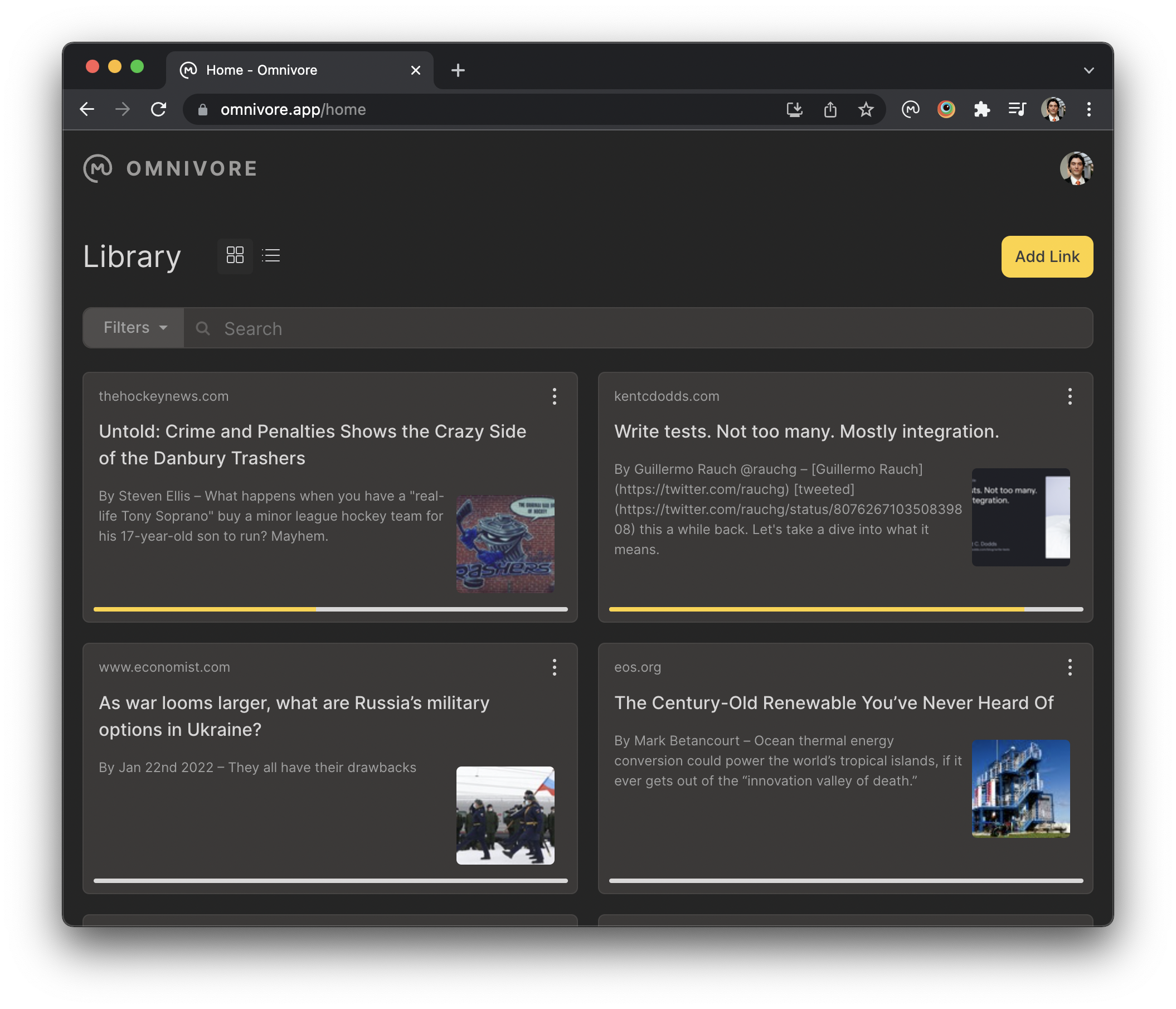
In your browser go to http://localhost:3000/home, click the Add Link button,
and enter a URL such as https://blog.omnivore.app/p/getting-started-with-omnivore.
You should see a Chromium window open and navigate to your link. When the service is done fetching your content you will see it in your library.
How to deploy to your own server
FIXME: Jackson to fill this in
License
Omnivore and our extensions to Readability.js are under the AGPL-3.0 license.